Setup · 8 min read · 2026-07-20
Wardogs Cheat Setup Overview: First Launch on Steam
Step-by-step Wardogs cheat setup on PC — extract delivery, exclude antivirus, launch order and open the menu on Steam.
Related in this topic
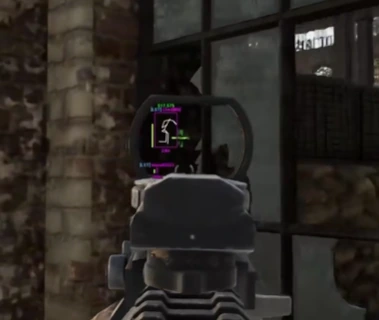
Before you launch
Extract delivery into a dedicated folder you will exclude in Windows Defender. Do not rename core loader files — support triage expects default names.
Close aggressive overlays such as RGB suites or duplicate screen capture tools that hook the game process.
Recommended load order
Start Steam and launch Wardogs to the main menu or an offline test session. Run the loader once as administrator if delivery notes require it.
Press your menu key — commonly Insert, Delete or Home depending on build notes — and confirm toggles respond before joining a populated server.
First config pass
Enable one module group at a time: ESP, then radar, then aimbot misc. Save a profile using /forum/war-dogs-config-system-guide.
Feature meanings live on /features and deep dives in /forum/war-dogs-cheat-features-guide.
If something fails
Menu missing after a clean attempt? Stop repeated injects and read /forum/war-dogs-cheat-troubleshooting-guide with your order ID ready.
Confirm live status on /wardogs-cheats after game patches before forcing an old build.
Ready for Wardogs Cheats?
Check live status on the product page, then order aimbot, player ESP, vehicle ESP and 2D radar for Wardogs on cheatsforwardogs.net. Need help? Read Wardogs Cheats support or product page.
Checkout is subject to our Terms and Refund policy.